LaSalle Studio Fieldbook

LaSalle College Vancouver / Jan 14, 2026 / Creative AI fieldwork

The Studio Fieldbook for Creative Students Working With AI

A dark media console built from the keynote, slides, clips, transcript, and exercises. Use it to ask the question that matters: what does AI reveal about your practice, and what do you refuse to give away?

AI is trained on stolen work without consent. And many creatives are becoming more capable because of these tools.

Both things are true. Hold both. Keep walking.
Gallery Console 001 Creative identity online
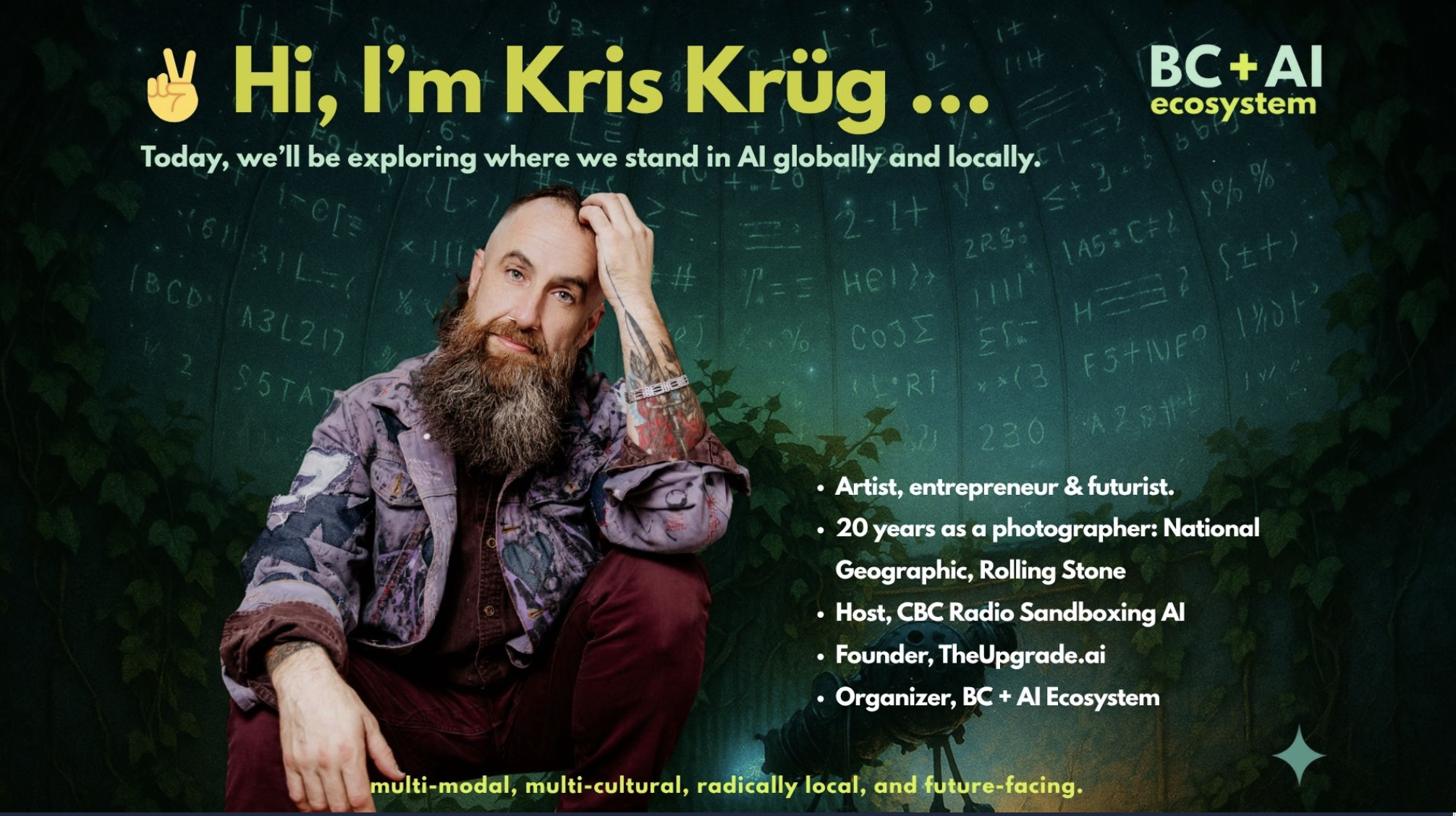
Slide introducing Kris Krug and BC plus AI Ecosystem
Source image: LaSalle keynote deck
Left hand

Consent, labor, dependency, pipeline collapse, cheap sameness.

Right hand

Agency, taste, self-knowledge, prototypes, community, new practice.

The portal is a studio lab bench, not a landing page: watch a chapter, mark your stance, produce a fieldbook artifact, then find the people who can keep you honest.

The Talk Console

Six curated chapters from the room.

Slides, transcript-backed moments, and media fragments are pulled into one console so the talk works even when you do not watch the whole thing.

00:00 Opening frame
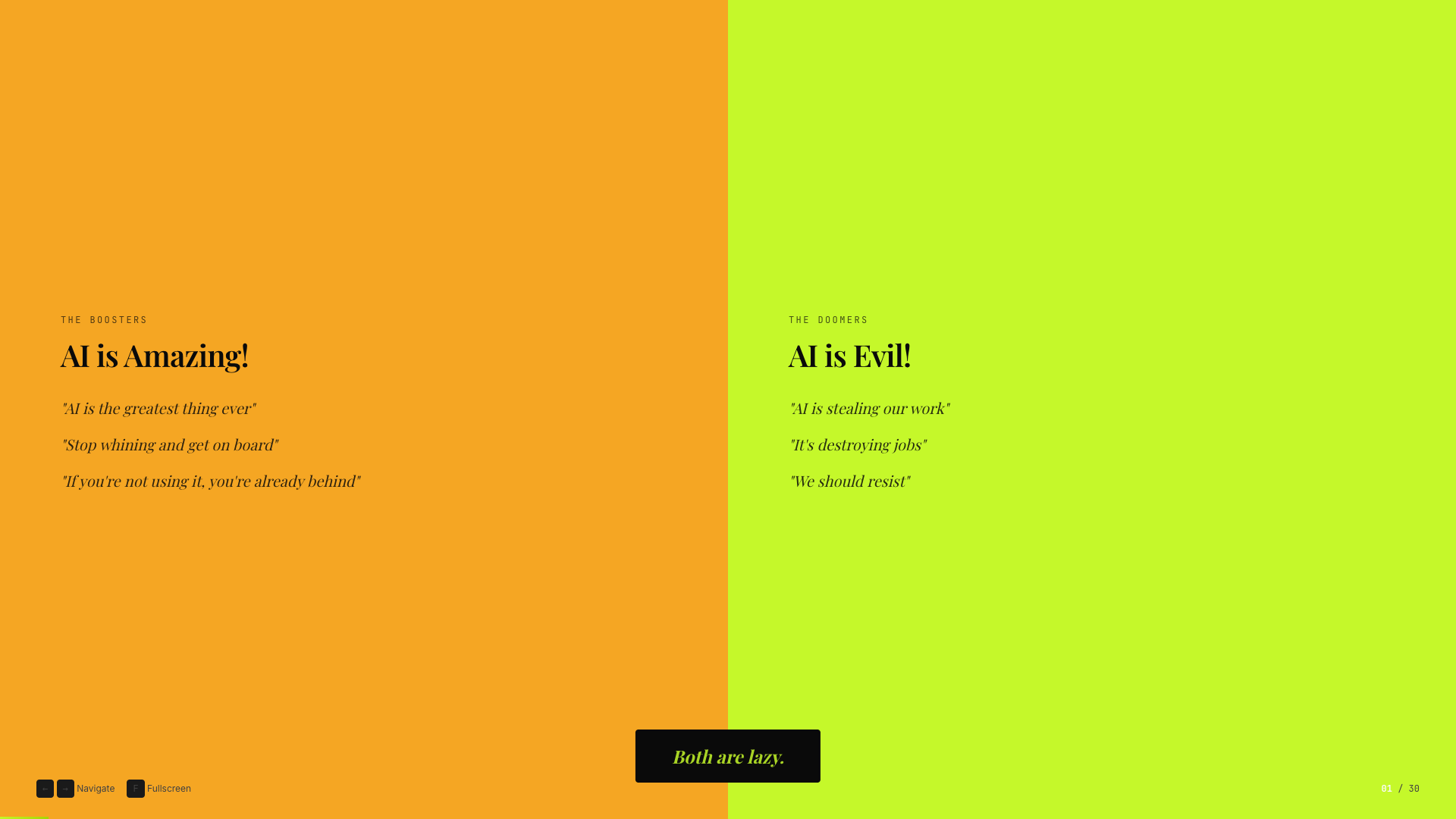
Binary trap slide from the LaSalle keynote
Boosters versus doomers: the binary trap.

Creative reality check

Most conversations about AI force you to pick a side. This talk starts by refusing the binary.

The LaSalle room was full of alumni, students, educators, and creative professionals trying to name what is actually happening. The console starts there: not hype, not panic, but a usable map.

Source: recap.md executive summary and speaker-script.md opening frame.

Open the map


Training on your own work

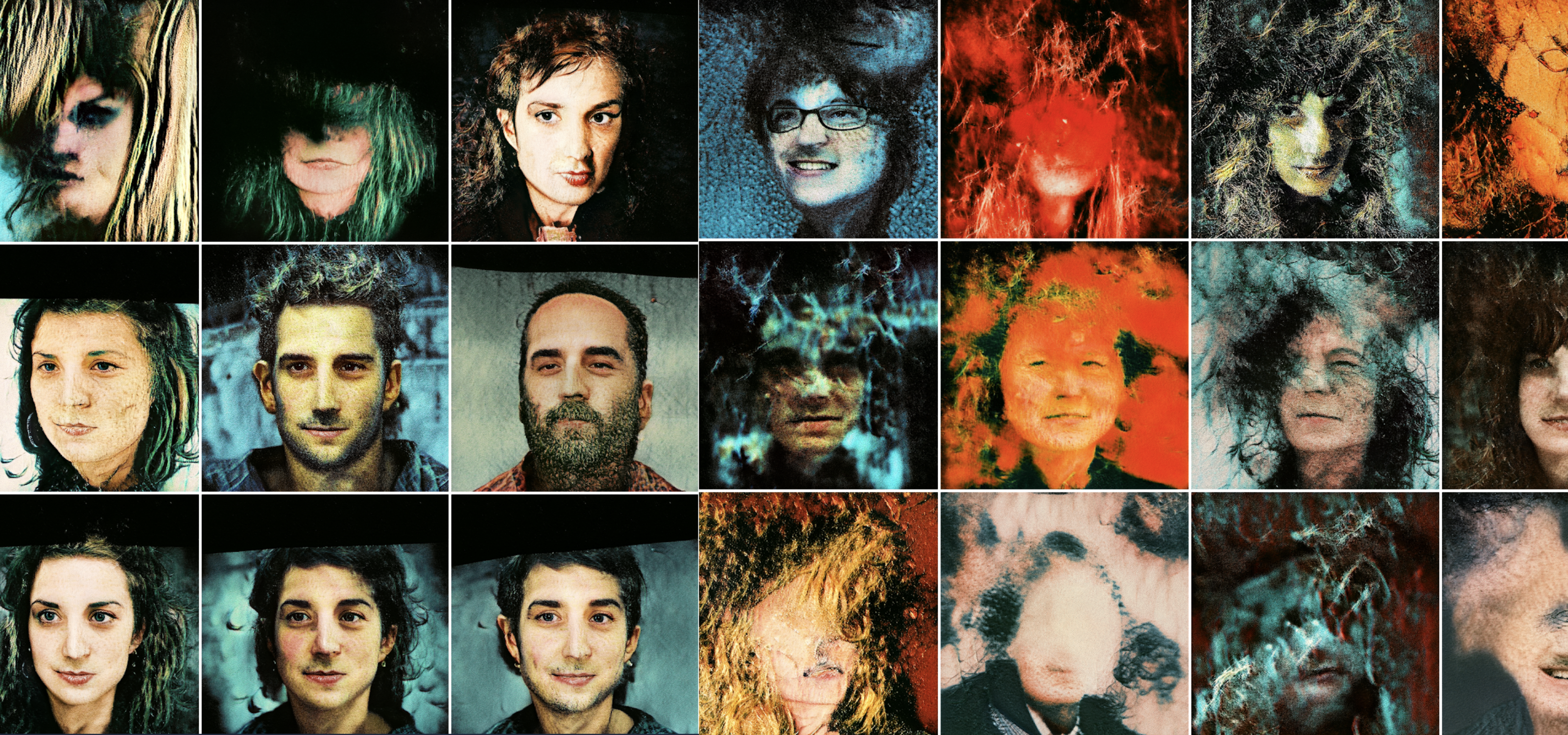
AutoLoom / Alpha Prism

Two thousand cross-processed portraits became a model trained on a personal archive, not a generic scrape.

Write for the bot

Values made legible

The fieldbook exercises turn voice, values, and refusals into text you can carry into any AI workflow.

Left Hand / Right Hand Map

Hold the critique and the capability at the same time.

The map turns the talk's thesis into a student decision surface: name the fear, name the possibility, then choose how you will practice.

Left hand

The fears are real.

Selected concern

Stolen work / consent

Creative work was swept into datasets without clear permission. The fieldbook answer is not pretending this is fine; it is building practice with visible ethics, personal policy, and a kill switch.

Studio move Write a personal AI policy before your next AI-assisted project.
Right hand

The reality is also real.

Audience raised:

Studio Exercises

Build a fieldbook page you can actually use.

Your notes stay in this browser. Export the final fieldbook as Markdown when you want to move it into Notion, a class folder, or an AI custom instruction.

Analog Lab Console

0/6 instruments calibrated
Stage 01 / Paste signal

Mirror Calibration Booth

Feed the machine a blurry signal and watch what it reflects.

Paste a vague prompt, bland AI output, or messy first draft. Calibrate process, taste, values, and voice until the mirror noise turns into a usable clarity card.

Keynote source: “AI is a mirror. It amplifies whatever you bring to it.” Confusion comes back with better grammar; clear identity gives the machine something real to amplify.

Clarity 0%
awaiting signal / average internet fog / pretty grammar with no spine

Studio Weird Tool Shelf

Optional KK instruments for the fieldbook annex.

These do not change the core 6/6 console. They are strange little studio tools for worldview, consent, slop, prototypes, and finding the room.

0/5 weird tools tuned

Your portable artifact

Fieldbook export

Collect the six widget artifacts into one Markdown page. It is intentionally plain so it can move anywhere.


Run This In Class

Three ways to teach the fieldbook.

Use the console as a critique-room instrument: students make a decision, explain the tradeoff, export the artifact, then bring one line into discussion.

30-minute sprint
  1. 5 min: open with the Both Hands thesis.
  2. 10 min: complete Mirror or Taste.
  3. 10 min: pair-share one refusal line or taste rule.
  4. 5 min: choose a community or next-practice step.
60-minute studio lab
  1. 10 min: Talk Console chapters 01, 02, and 05.
  2. 20 min: Mirror plus Taste as a two-widget sequence.
  3. 15 min: Pressure, Selector, or Human-Only breakout.
  4. 15 min: export fieldbooks and critique the decisions.
Self-guided field note
  1. Start with the widget that makes you most uncomfortable.
  2. Complete one concrete artifact before watching more talk material.
  3. Copy the Markdown into your notes or custom instructions.
  4. Bring one question to a classmate, critique group, or meetup.

Case Files

Six proof points from the keynote.

The portal keeps the case files lean: enough context to learn from the pattern, not a full archive dump.

Maya Bruck portrait
Maya Bruck

Strategic skeptic to instructor

Compressed UX research and prototyping from weeks to hours while staying critical inside the workflow.

Kevin Friel portrait
Kevin Friel

VFX craft meets live AI systems

A 25-year Hollywood veteran turned AI into a performance system, not a replacement for judgment.

AutoLoom generated face study
AutoLoom

Train on your own archive

Kris used his cross-process portrait archive as source material for a personal model and research project.

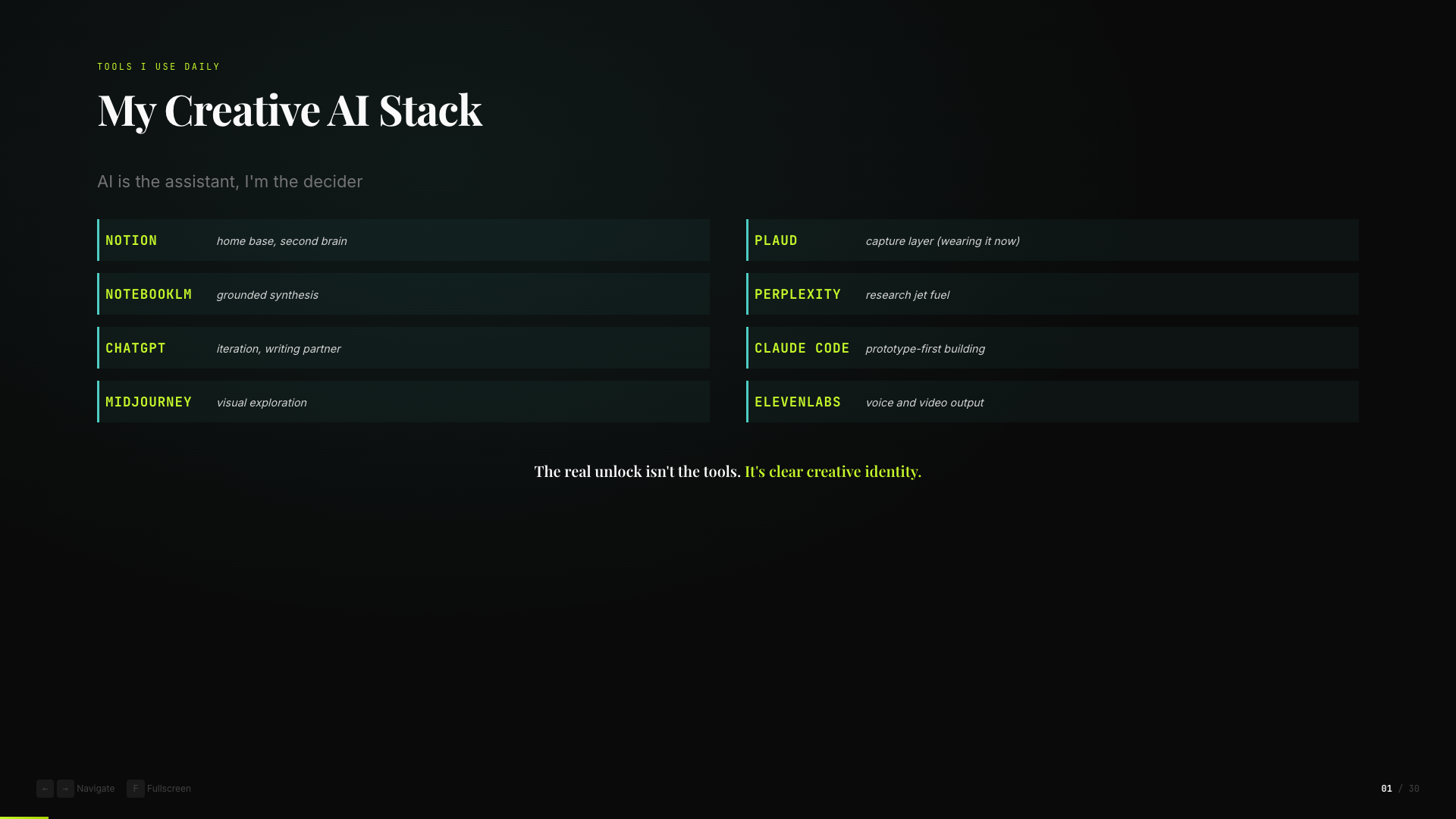
Creative AI stack slide
Vibe coding

Prototype first, learn by making

Small working artifacts reveal what you need faster than endless planning when the goal is learning.

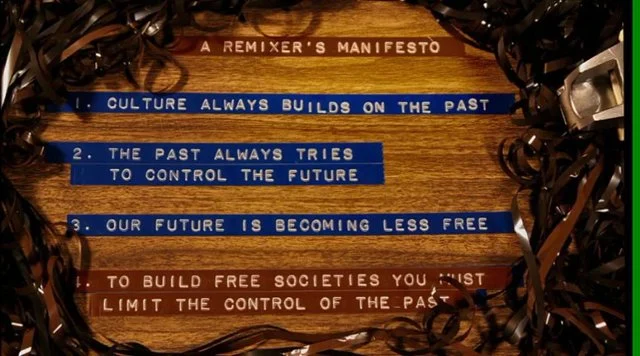
RiP A Remix Manifesto slide art
Remix lineage

Become a selector

DJs, remixers, and students all face the same question: what do you choose, and why?

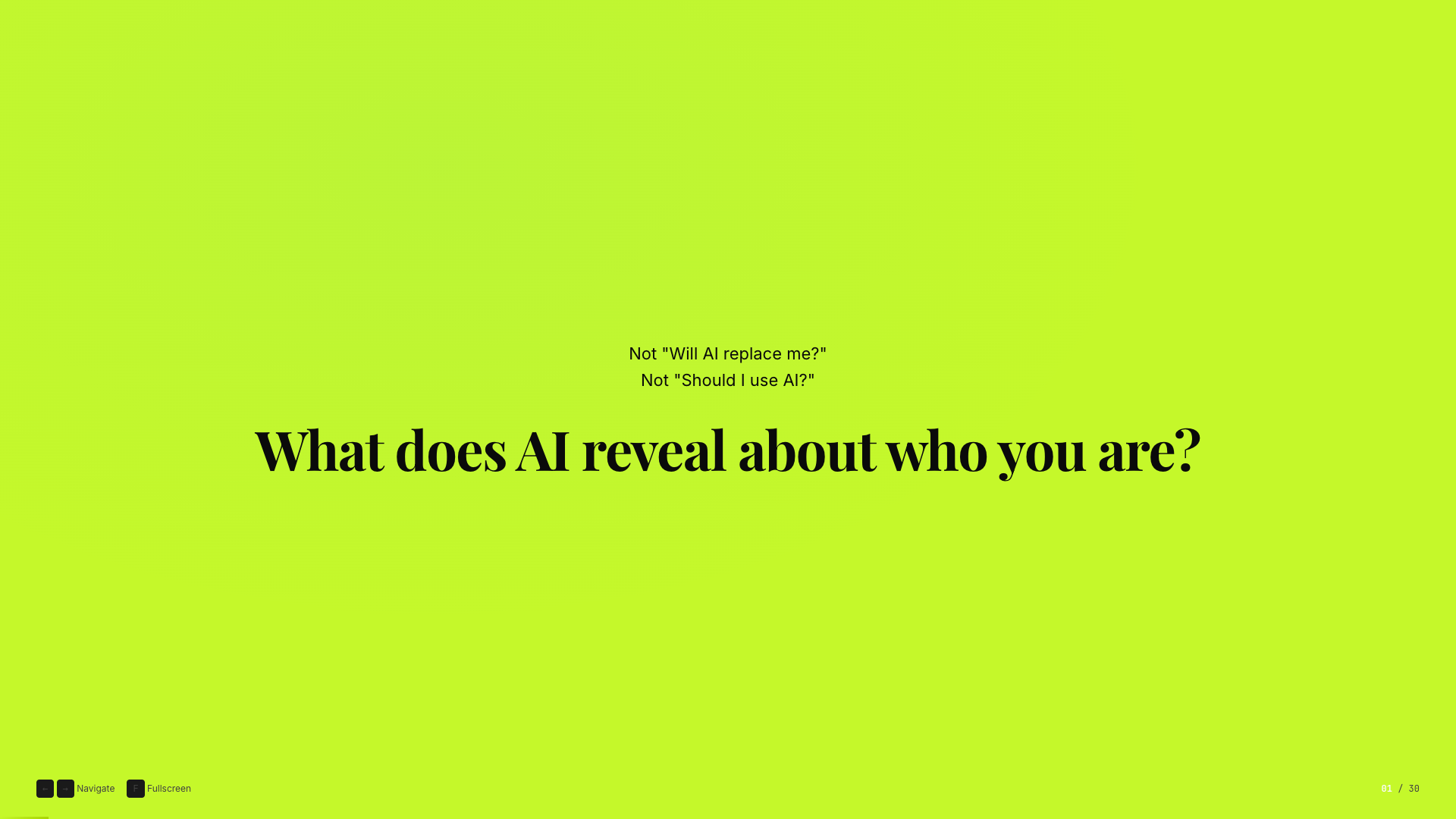
AI is a mirror slide
The mirror

Self-knowledge is the input

Confusion in gives confusion back with better grammar. Clear identity gives the machine something real to amplify.

Community Funnel

Do the work, then find the room.

Learning leads. The next step is not another abstract thinkpiece. It is people, practice, and a place to keep testing your taste.